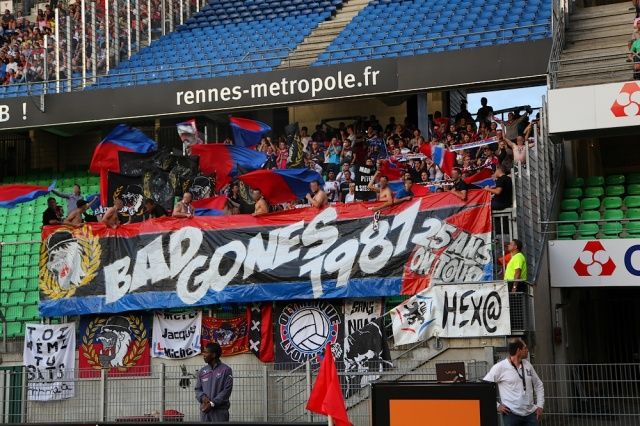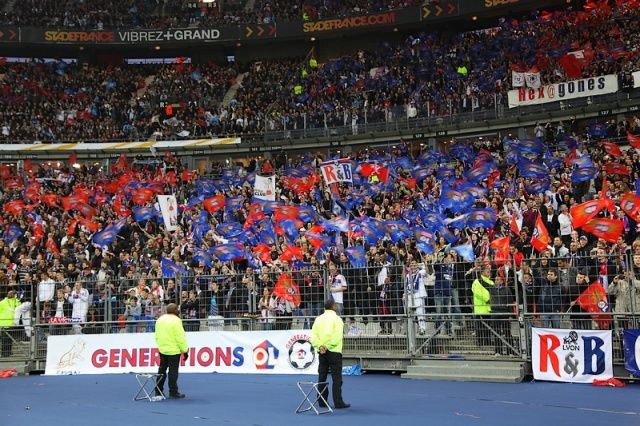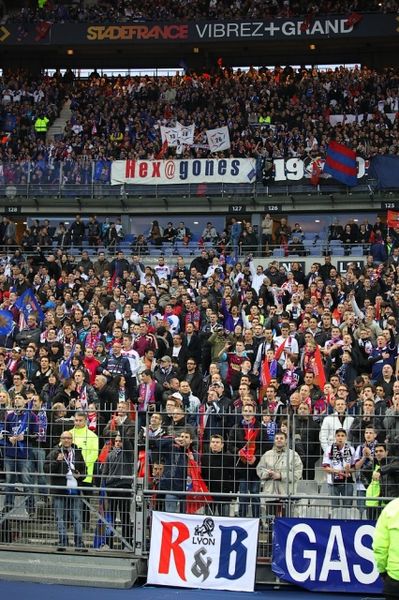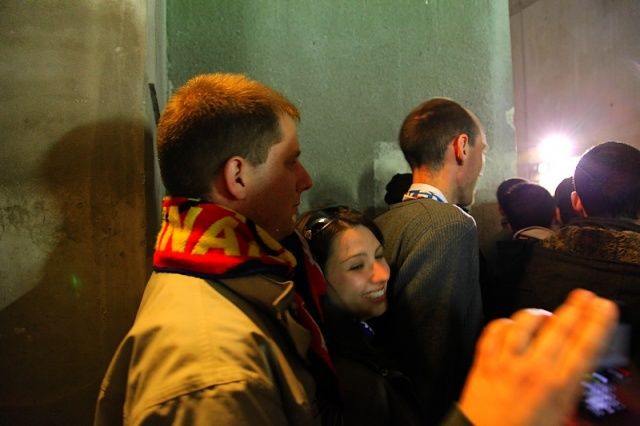
HEX@GONES
Administrateurs
-
Inscription
-
Dernière visite
Tout ce qui a été posté par HEX@GONES
-
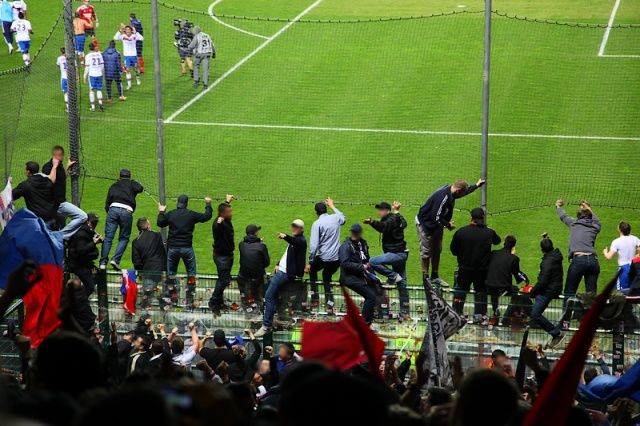
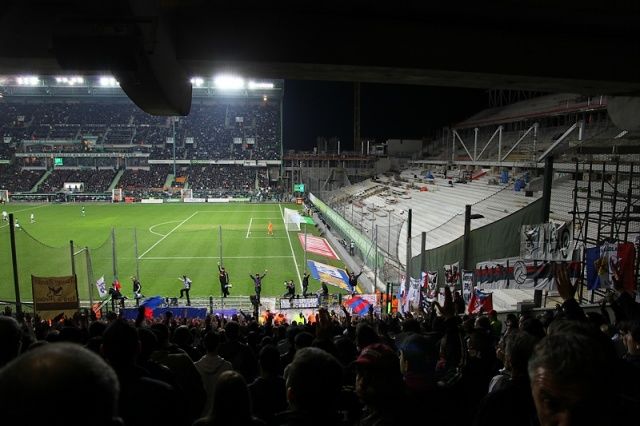
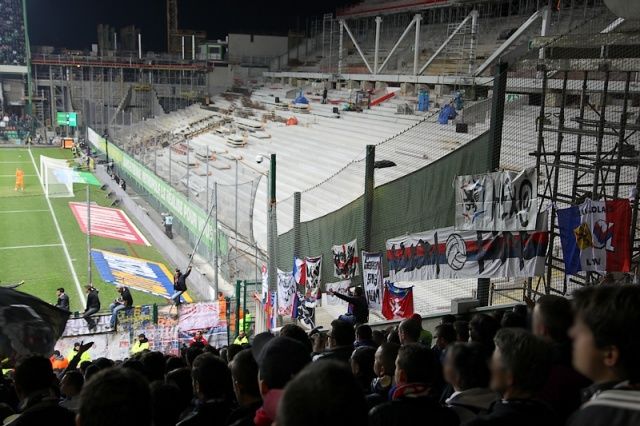
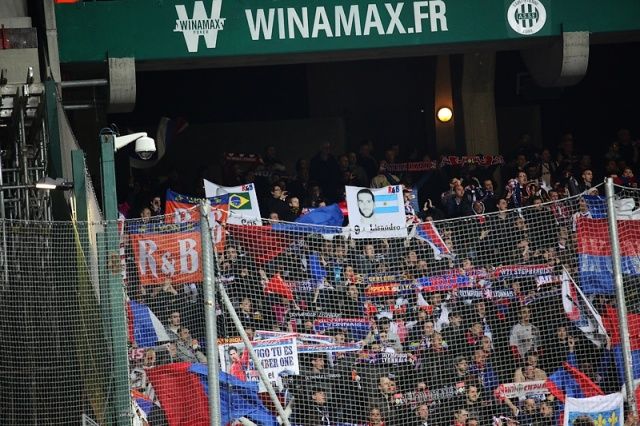
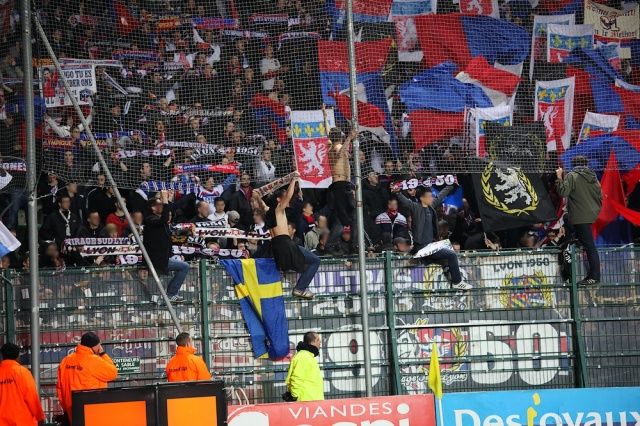
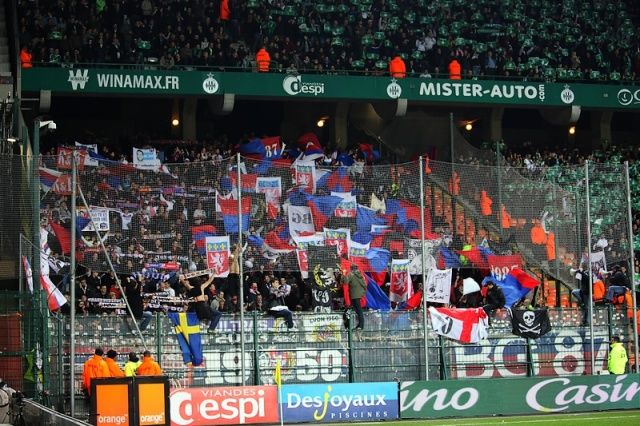
Vendredi 25 janvier 2013 à 20h30 22à¨me journée de L1 Score final : 0 - 2
-
-
Samedi 12 janvier 2013 à 17h 20à¨me journée de L1 Score final : 1 - 2
-
-
-
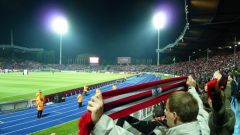
Athletic Bilbao 2 - 3 Olympique Lyonnais Jeudi 8 novembre 2012
-
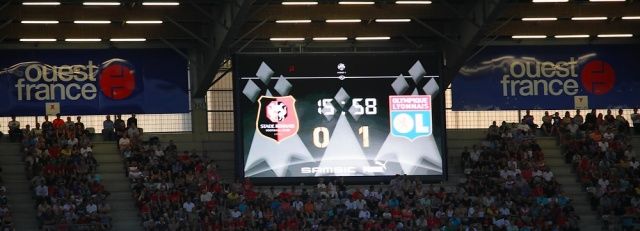
Samedi 11 août 2012 à 21h 1ere journée de L1 Score final : 0 - 1
-
-
-
Samedi 17 mars 2012 à 21h 28e journée de L1 Score final : 0 - 1
-
-
Samedi 14 janvier 2012 à 21h 20e journée de L1 Score final : 1 - 0
-
-
Dimanche 2 octobre 2011 à 21h 9e journée de L1 Score final : 2 - 0
-
-
Samedi 20 août 2011 à 19h 3e journée de L1 Score final : 1 - 1
-
Dimanche 23 octobre 2011 à 21h 11e journée de L1 Score final : 3 - 1
-
-
Dimanche 11 décembre 2011 à 21h 17e journée de L1 Score final : 0 - 1
-
-
Mercredi 21 décembre 2011 à 19h 19e journée de L1 Score final : 1 - 0
-
Dimanche 27 novembre 2011 à 17h 15e journée de L1 Score final : 0 - 3
-
Dimanche 6 novembre 2011 à 17h 13e journée de L1 Score final : 2 - 1
-
Mercredi 28 septembre 2011 à 16h30 Coupe UEFA Ligue des Champions 16ਠde finale Aller Score final : 0 - 9
-
 Théâtre national de Cluj en arrière plan
-

-

-

-
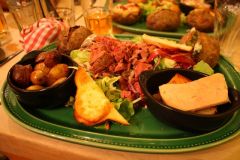
 Bon appétit !
-
 Après le bus des joueuses, départ du bus des forces de l'ordre, rien que ça...
-

-
 Claudiu avec Eugénie
-

-
 Gilles et Amandine
-
 Nidal et Louisa
-

-
 Bus OL avec une plaque PSG... quelques jours avant le match masculin PSG OL
-
 Romain et Mme l'arbitre
-

-
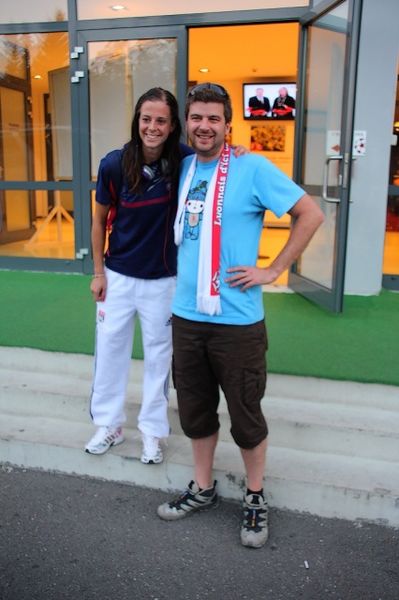 avec la marche pour faire plus grande :p
-
-
 Claudiu interviewé par OLTV
-
 les médias roumains attendent les joueuses de leur équipe
-
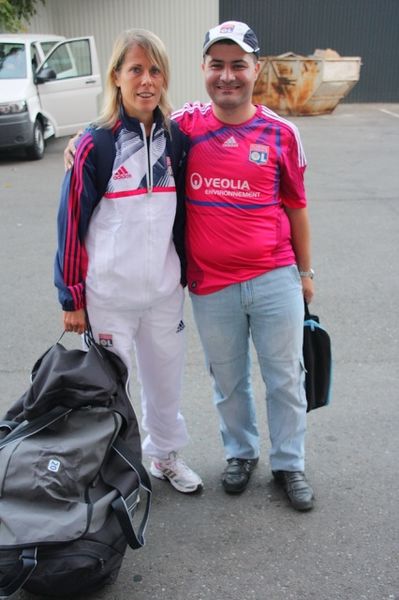 Sabrina et Claudiu
-
-
Samedi 10 septembre 2011 à 19h 5e journée de L1 Score final : 1 - 2
-
Samedi 6 août 2011 à 21h 1à¨re journée de L1 Score final : 1 - 3
-
-
Samedi 16 Juillet 2011 à 16h15, Stade Cristal Arena Match amical Score final : 3 - 1
-
 le patron du resto, qui aura "animé" le repas
-
 menu pour Rayls !
-
 y a un peu de bière partout
-
 sympa les noms de plat
-

-

-
 après match, retour sur Bruxelles avant de rentrer en France, et resto avec Raph au "restobières"
-

-

-

-

-

-
 Kai et son frère, venus d'Allemagne pour le match
-
 il ne reste plus qu'à boire pour oublier :)
-
 Gonalons, le seul qui nous saluera à la fin
-

-
 Sidy Koné
-

-
 3-1...
-

-
-
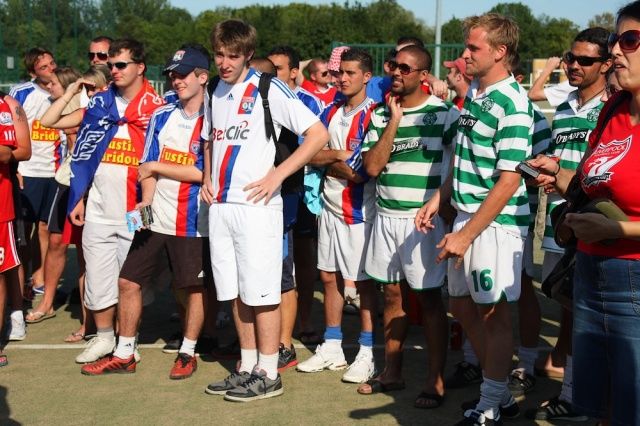
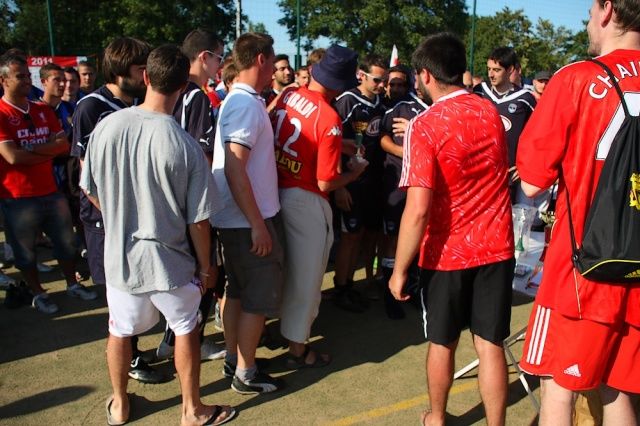
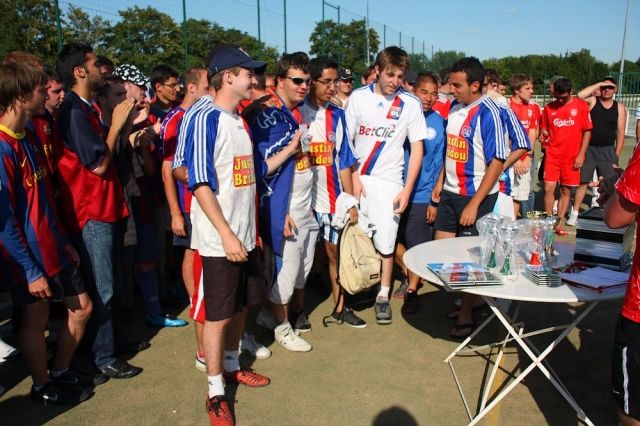
Lieu: Choisy-le-Roi Date: Dimanche 26 Juin 2011 Tournoi entre groupes de supporters - matchs 7 contre 7
-
 Corentin en mode écrevisse
-

-

-
 Gibal reçoit un des anciens maillots de son équipe pour son implication
-
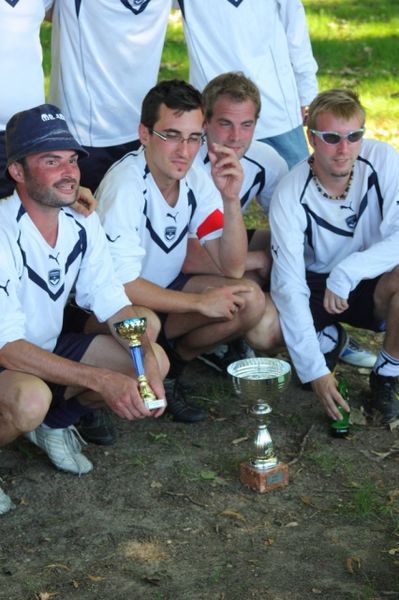
 la coupe Consolante que nous avons gagné !!
-
 les Hex@s et la coupe
-
-
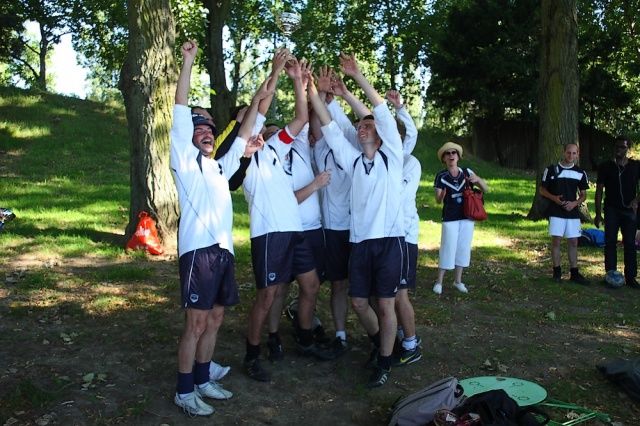
 les MB IDF président, vainqueurs du tournoi
-

-

-

-
-

-

-
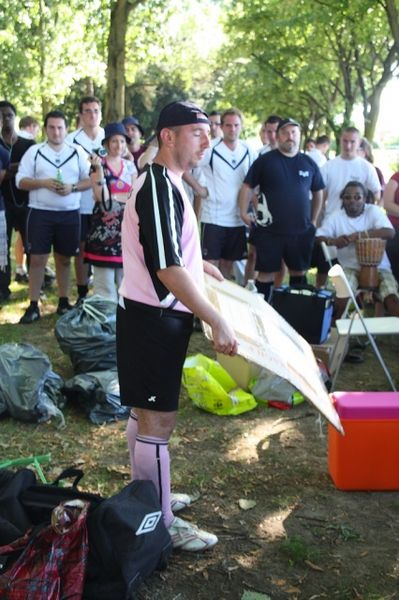
 les Hex@s et la coupe Consolante
-
-

-

-

-
 Nous gagnons le tableau consolante avec le même nombre de points et la même différence que Monaco mais plus de buts marqués !
-
-
Lieu: Juvisy-sur-Orge Date: Samedi 2 Juillet 2011 Tournoi international entre groupes de supporters - matchs 7 contre 7
-
Samedi 18 juin à Amiens. Tournois de solidarité inter-supporters. Avec les joueurs du Sport Adapté de la région Picardie
-
 retour du déluge une fois le tournoi terminé heureusement
-
 Les Hex@s et les personnes du sport adapté qui nous ont rejoint pour cette belle journée
-
 les Hex@s remportent encore cette année le prix du fair play
-

-

-

-

-
 la journée se termine avec un football géant sur deux terrains
-

-

-
 fier d'être un justin bridou !
-
 la météo continue de jouer avec nous
-

-
 Ian à bloc
-

-

-

-
 Diego qui contrôle de la main en toute discrétion
-
 match contre les esprits canaris, défaite 0-6
-

-
-
Lundi 16 mai 2011 à 21h 36e journée de L1 Score final : 1 - 1
-
Samedi 21 mai 2011 à 21h 37e journée de L1 Score final : 0 - 0
-
Dimanche 1 mai 2011 à 17h 33e journée de L1 Score final : 2 - 0
-