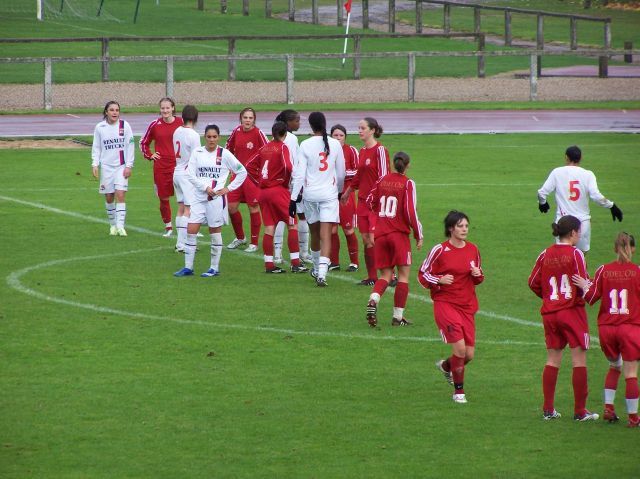
Les Hex@s courageux: Titou, Gillou, Fafa et Jacquot Partager https://www.hexagones.org/gallery/image/2210-les-hexs-courageux-titou-gillou-fafa-et-jacquot/ Partager sur LinkedIn Partager sur X Partager sur Facebook {lang="reddit_text" Partager via courriel Partager sur Pinterest More sharing options... Abonnés Photo prise pendant la première mi-temps pendant que Julie et moi sommes partis nous abriter de la pluie et du vent sous la tribune couverte en face




Commentaires recommandés
Rejoindre la conversation
Vous pouvez publier maintenant et vous inscrire plus tard. Si vous avez un compte, connectez-vous maintenant pour publier avec votre compte.